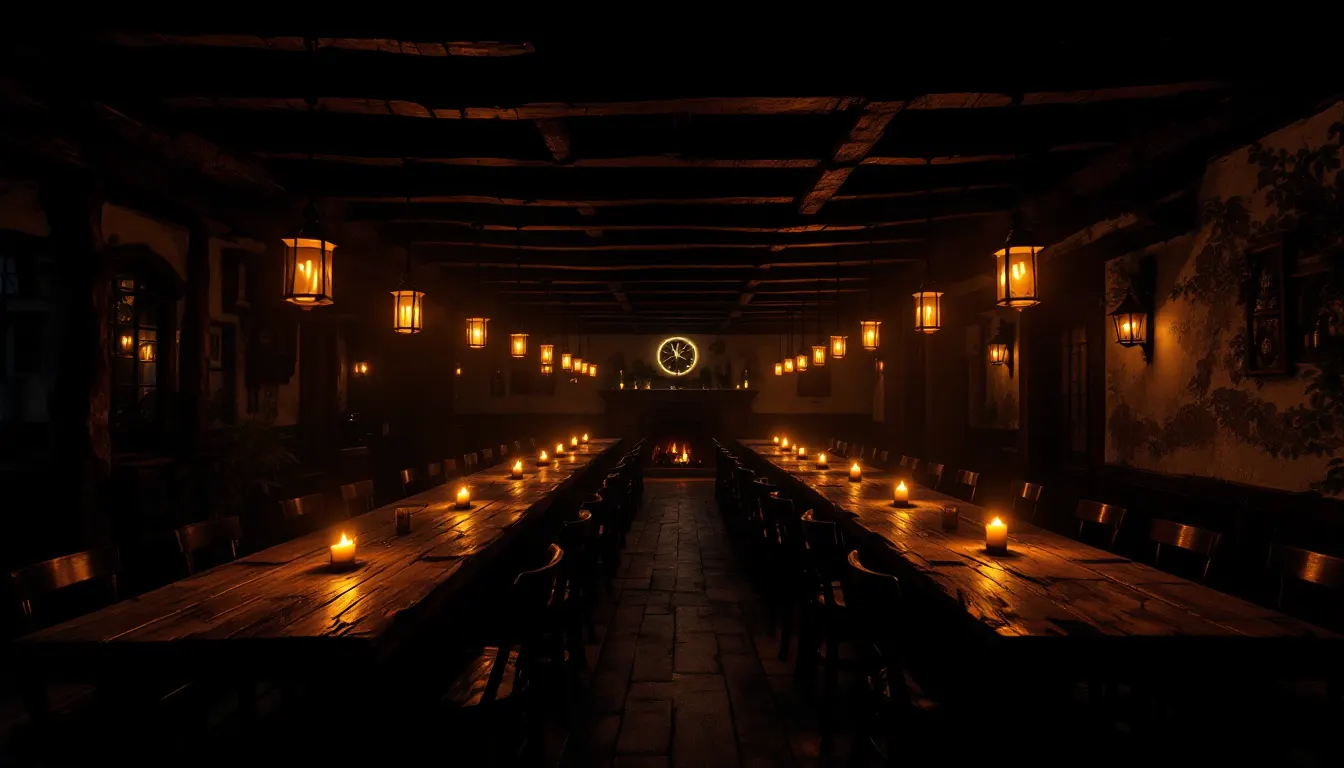
Free tables stay silent
Nothing blinks. You see capacity, not noise.
Software for taverns, restaurants and bars
KRONOS is restaurant software. Guests order and call a waiter from the table, and the call lands on every phone on the team within a second — even on a locked screen.
The moment
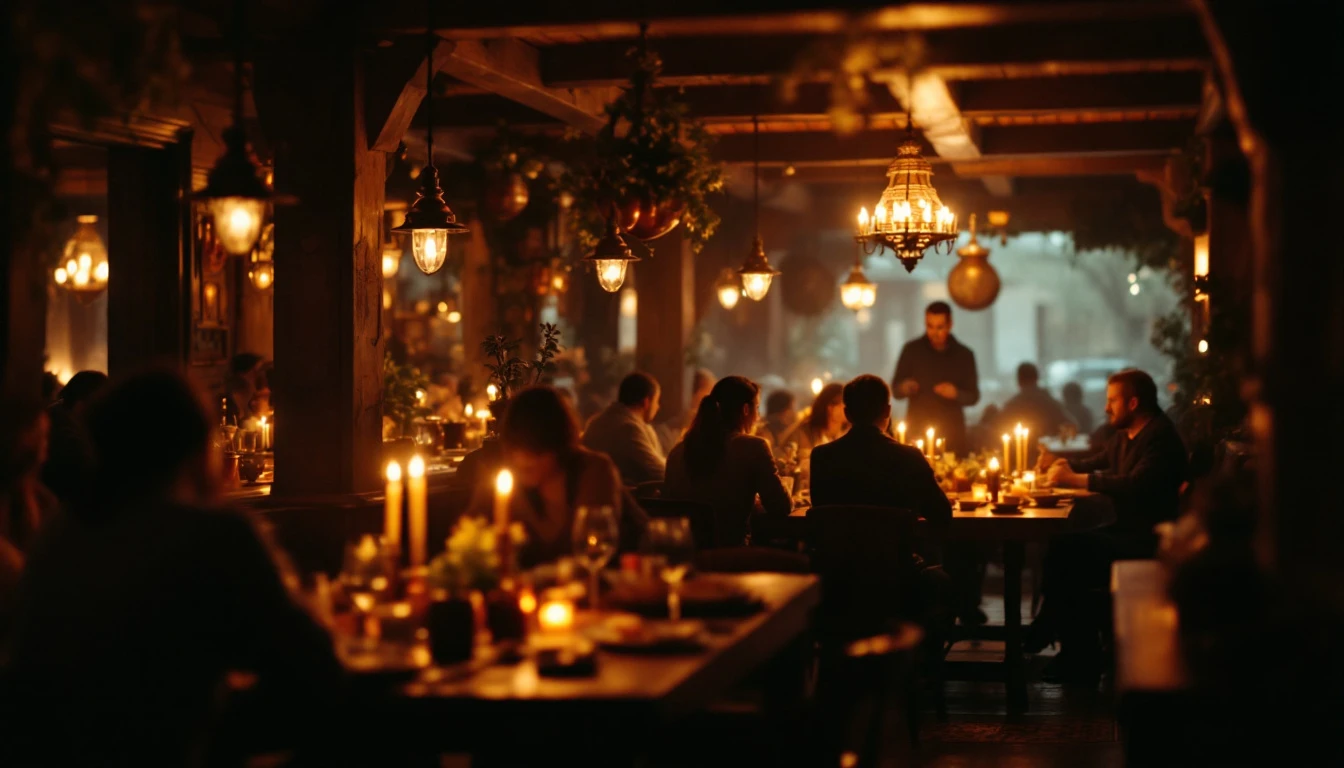
Nobody is at fault — nobody simply saw it. That is the minute that ruins the dinner, and it comes back later as a review you did not earn.
KRONOS removes that minute.
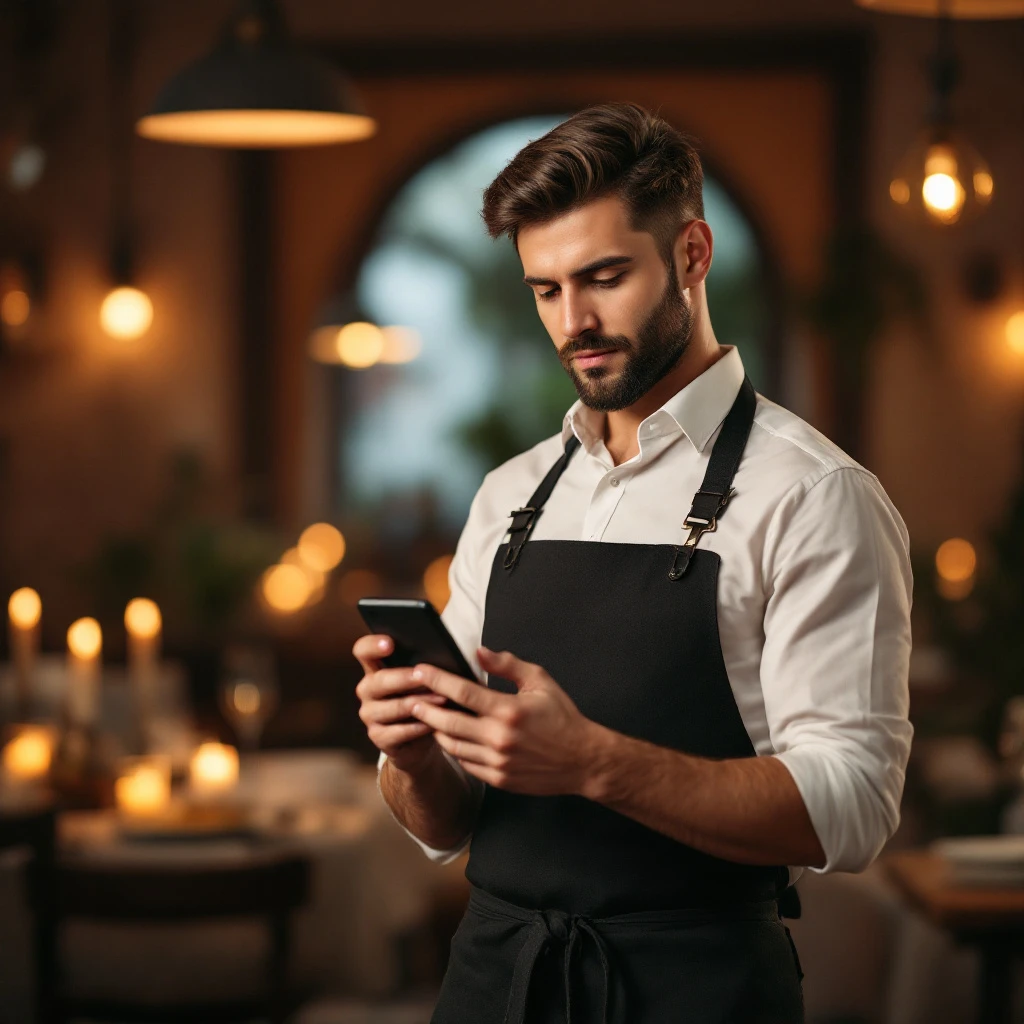
On the tablet, or from the QR menu. No app, no sign-up.
The whole team finds out at once — locked screens included.
The call disappears for everyone else. Nobody walks over twice.
The floor
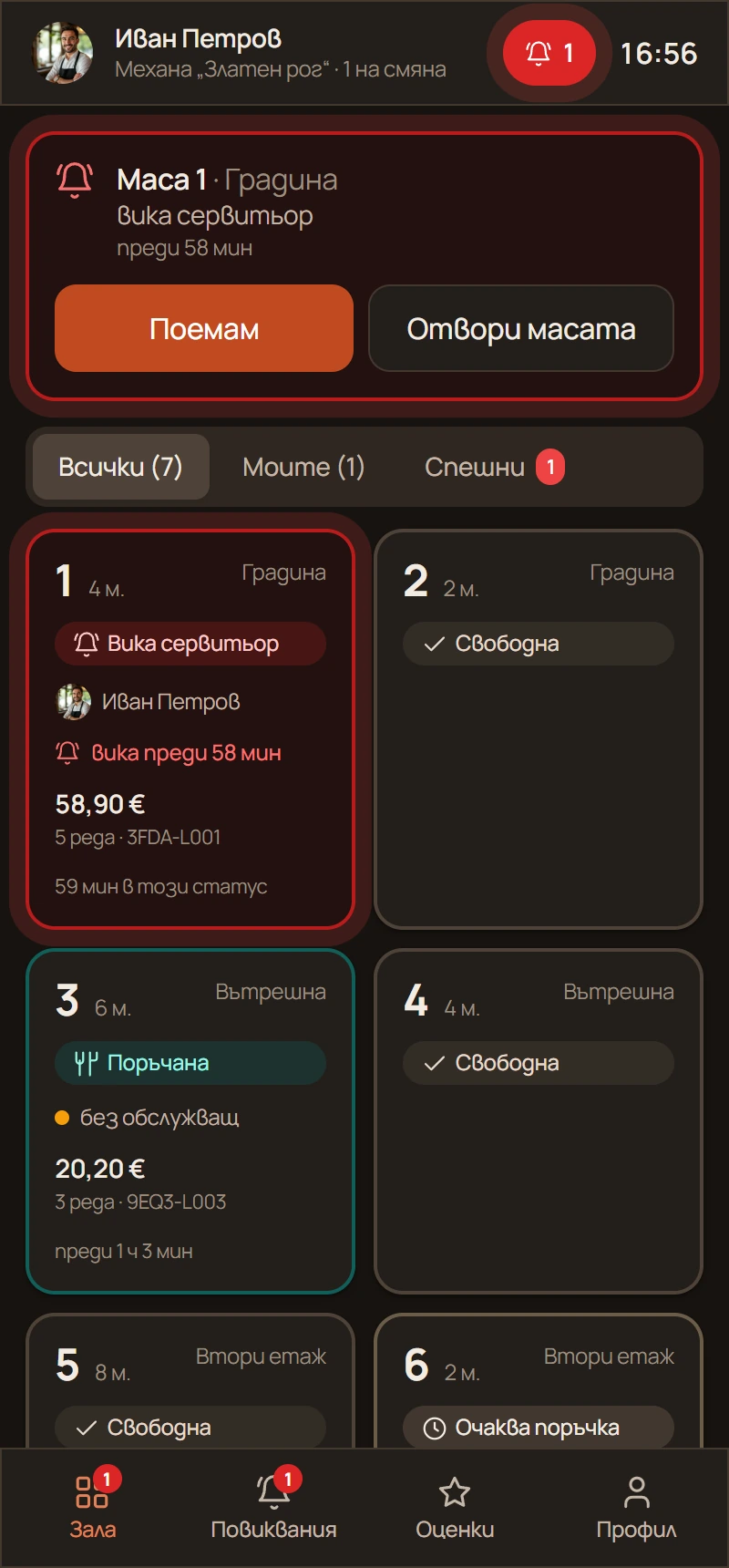
Colour tells you what needs action right now. Scroll to watch it change.
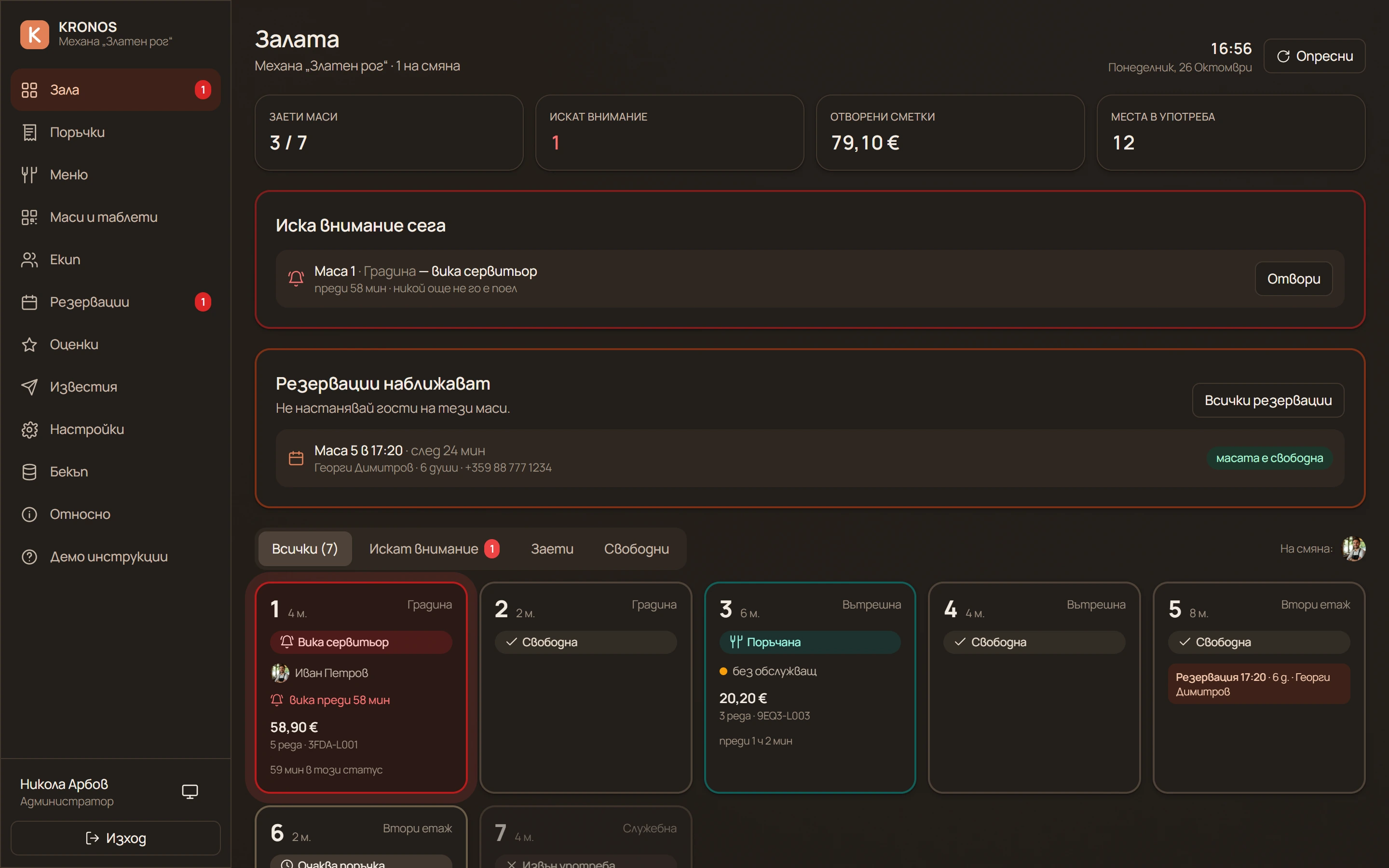
Nothing blinks. You see capacity, not noise.
The bill grows on the table and on your screen at once. Prices come from the server, never from the tablet.
How long it has waited and who took it. If nobody has, the frame keeps pulsing.
The guest marks cash or card, so the waiter knows whether to bring the terminal.
These are the same states and the same colours you see in the Floor panel.
Three screens, three roles
The table
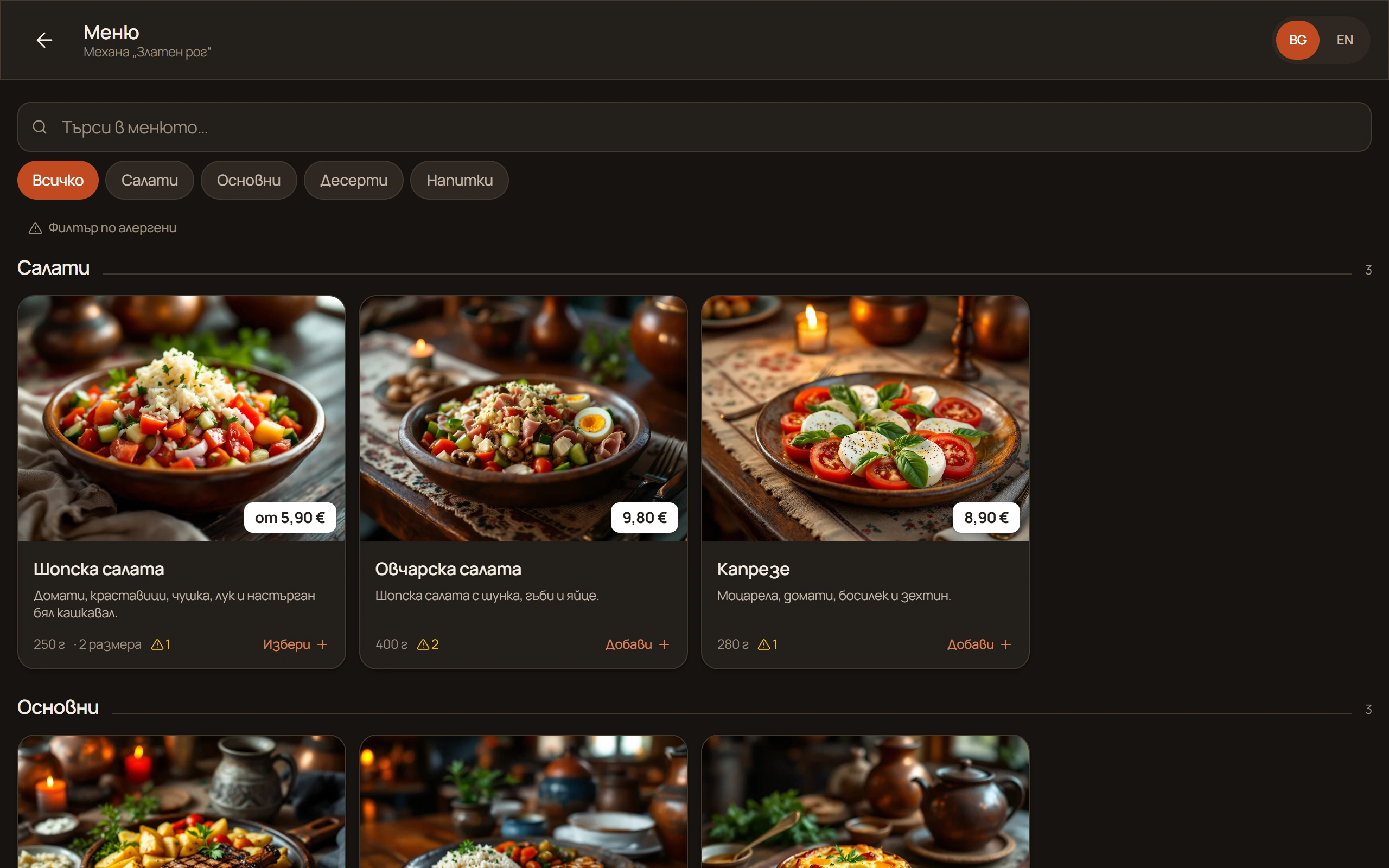
The splash screen is a photo of your place. The menu has photos and prices, and ordering happens with a finger.
The waiter’s phone
No company device and no two-day training. Open an address, type a PIN, and the floor is in their hand.
Your panel
Floor, orders, menu, team, reservations, reviews and reports — on one screen, from your phone or your computer, anywhere.
I send you a link to a live demo with the floor, a tablet and a waiter phone — filled with data.
Orders, calls, menu edits and status changes travel over a live connection. The tablet on the table and the phone in the waiter’s hand learn the same thing at the same moment.
Why KRONOS
The system lives with me, not with you. Launching it, updating it, copying it and supporting it are my job — you have one number for all of it.
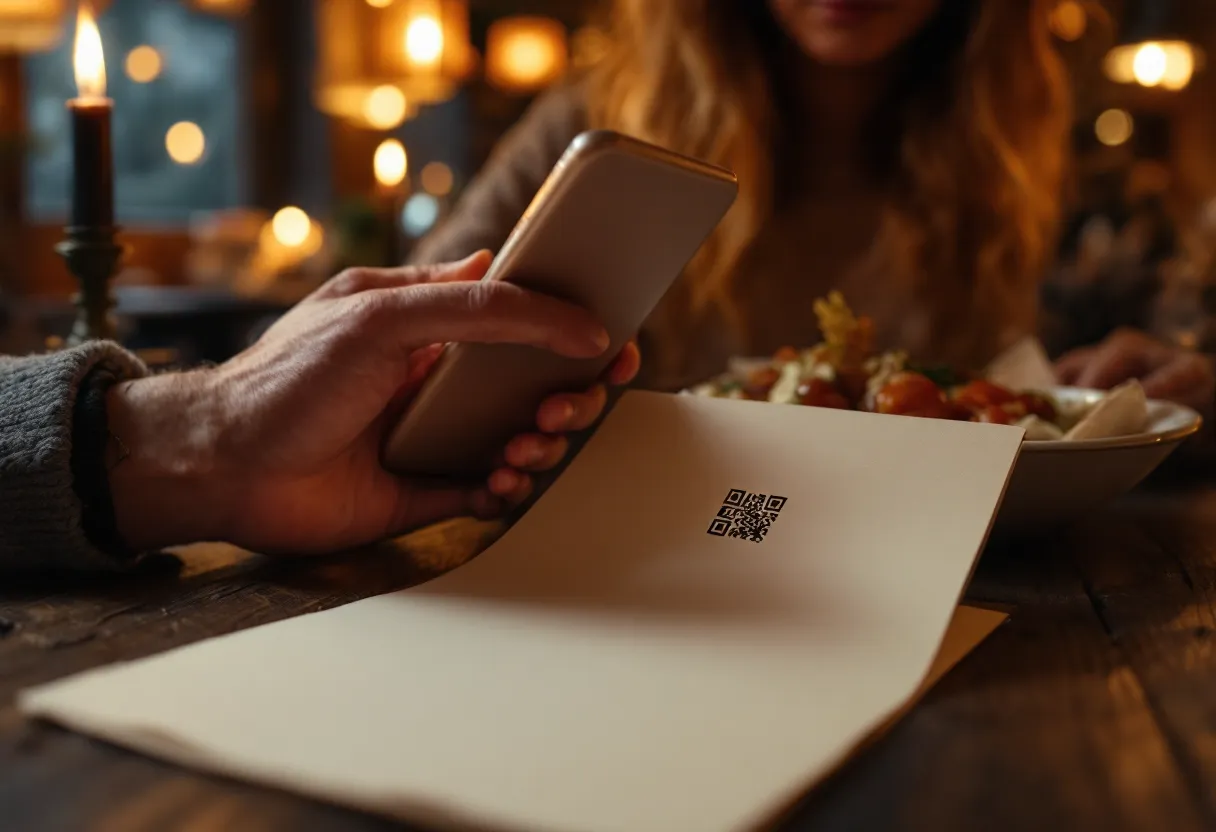
You start with nothing but your staff’s phones and a paper menu with a QR code. Tablets go on the tables later if you decide — and you pick them yourself.
Your menu, your takings and your guests are never mixed with anyone else’s. Every venue stands on its own.
A protected copy of everything is made every night. If we ever part ways, you download it with one button and walk away with it.
Before every update the system is walked through a whole working day — menu, order, bill, payment, review and reservations. So you do not find out on a Friday night.
Your waiters do not fight an English screen. And when something hiccups, you call the person who built the system.
Straight up
I say them here, not on page fifteen of a contract.
Nothing is installed at your venue and there is no machine for you to maintain. In exchange, a working internet connection is required: if the venue loses its connection, the tablets and phones cannot reach the system until it comes back. If your internet is unreliable, add a backup — a mobile hotspot on a phone is enough.
The system works with nothing but your waiters’ phones and a paper menu with a QR code. If you decide to put tablets on the tables, you buy them yourself — any ordinary Android tablet will do. I do not supply or sell hardware.
KRONOS does not register sales and does not issue fiscal receipts. The bill on the tablet is preliminary, for internal organisation — the fiscal receipt comes from the venue’s cash register. Whether your business must declare software under Bulgarian Ordinance No. H-18 is for your accountant to judge.
Features
No modules and no upgrades for an extra fee. This is the system.
All of it runs in the demo. Open it
Security
Here is what stands between that and an unpleasant morning.
Getting started
I send you a link to a working system and you test it as long as you like, before deciding anything.
On my server, with your domain and certificate. You set up nothing.
The wizard walks it step by step. Dish photos upload in one go.
Half an hour with the team is enough. After that you call me when you need to.
No. Tablets are not required and I do not sell them. The system works with nothing but your waiters’ phones and a paper menu with a QR code. If you decide to put tablets on the tables, you choose and buy them yourself — any ordinary Android tablet will do.
The system runs on my servers — nothing is installed at your venue. That means a working internet connection on site is required. If the connection drops, the tablets and phones cannot reach the system until it is back. So if your internet is unreliable, I recommend a backup connection — a mobile hotspot from a phone is enough.
No. KRONOS does not register sales and does not issue fiscal receipts. The bill on the tablet is preliminary, for internal organisation. The fiscal receipt is issued by the venue’s cash register. Whether your activity requires declaration under Ordinance No. H-18 is for your accountant to judge.
A working internet connection at the venue and the phones your waiters already carry. Nothing else is required. Tablets on the tables and a kitchen screen are added whenever you decide.
Bulgarian — for the guest, the waiter and you alike. Support is in Bulgarian too, from the person who wrote the system.
It is yours. Your venue’s database is separate from every other one, the backup is an encrypted copy and it downloads with one button from the panel. If we part ways, you take the file and go — no service request and no negotiation.
The model is agreed per venue — by its size and its number of tables. Write to me for a demo and I will give you the figure for your case, instead of pulling one from a price list that has never met you.
Write to me and I will send you a link to a live demo — floor, tablet and waiter phone, filled with data. You open it from your sofa and test it, long before anyone mentions a contract.
arboffdev@gmail.com · I answer the same day.